Product
URL to Video
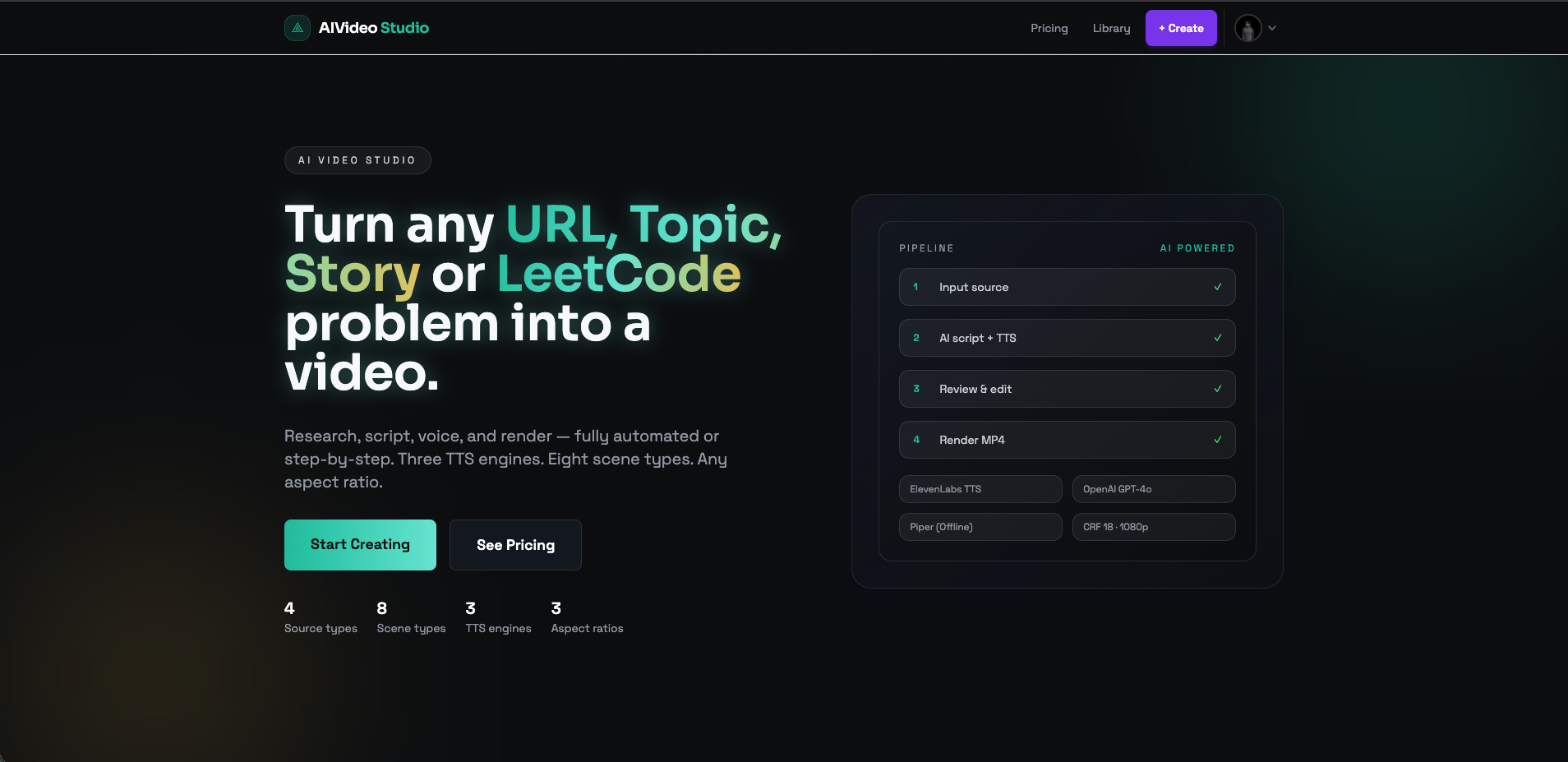
Turn any URL, topic, story, or LeetCode problem into a polished video. Powered by GPT-4o for scripting, ElevenLabs for voiceover, and Remotion for frame-perfect rendering.
Input Modes
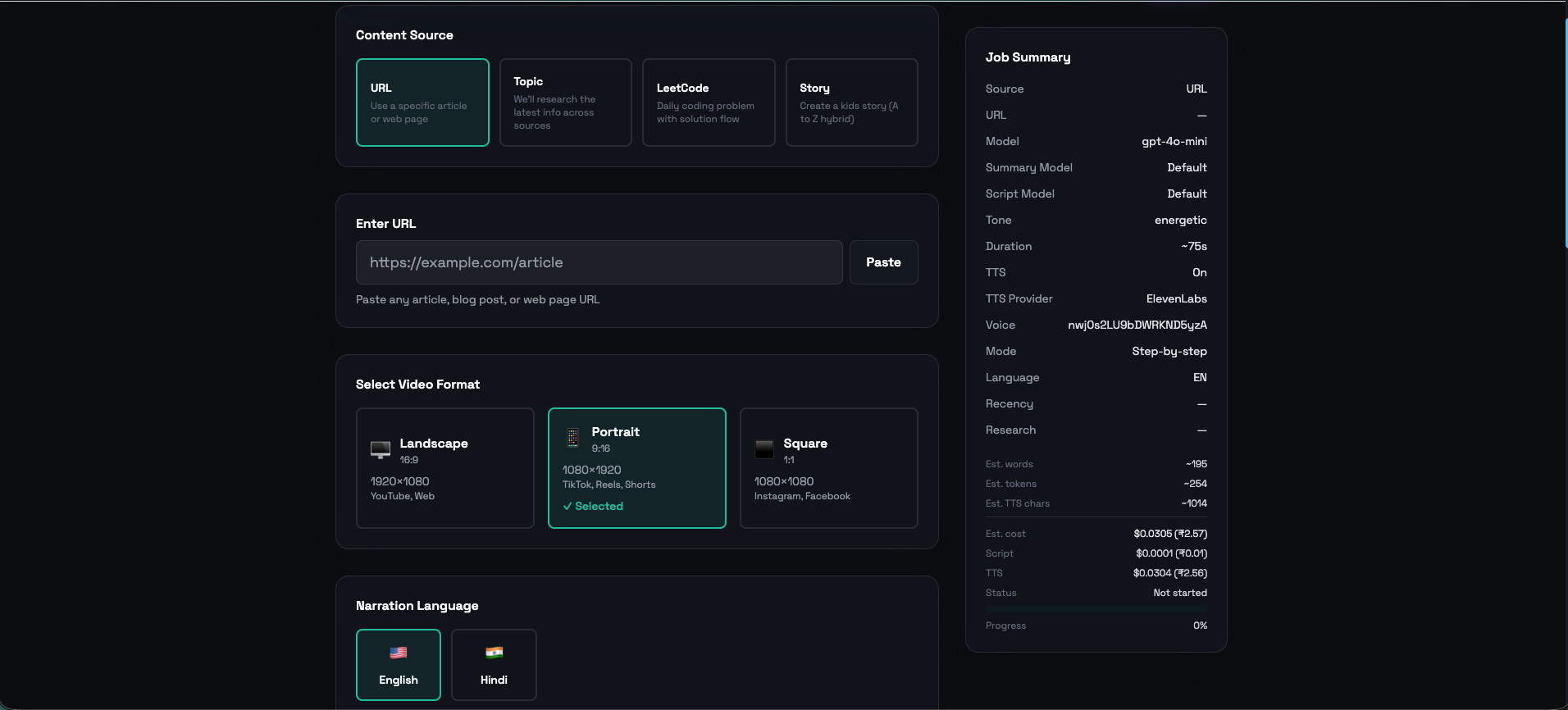
4 Ways to Create a Video
One platform, four different AI pipelines — each optimised for its source type.
URL to Video
Paste any article URL. The app scrapes it with Puppeteer, generates a script with GPT-4o, narrates with ElevenLabs, and renders a polished video.
Topic to Video
Enter a topic. Research pipeline pulls news, web results, and AI summaries — then generates and renders a video automatically.
Story to Video
Provide a story prompt or pre-written script. AI generates illustrated scenes with a 2D mascot, motion backgrounds, and voiceover.
LeetCode to Video
Enter a LeetCode problem slug or ID. AI generates pseudocode and renders a step-by-step algorithm walkthrough video with syntax highlighting.
Under the Hood
Production-Grade Pipeline
ElevenLabs TTS
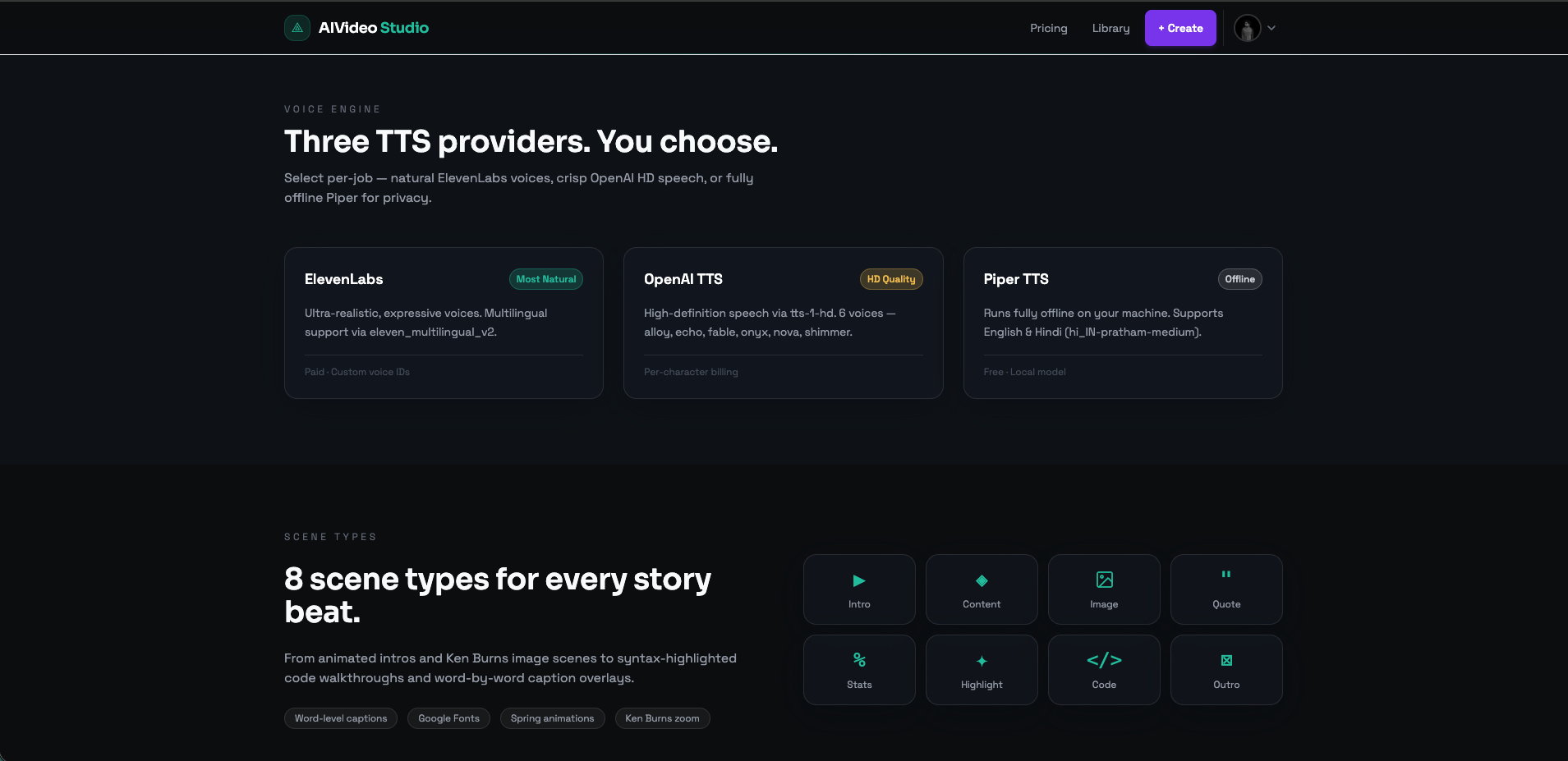
Default voice provider using eleven_multilingual_v2. Also supports OpenAI TTS and local Piper (offline, Hindi + English).
8 Scene Types
Intro, Content, Image, Quote, Stats, Highlight, Outro, and Code scenes — each with unique animations and layouts.
BullMQ Queue
Background job queue with Redis. Supports pause/resume, bulk cancel, and a step-by-step mode where users review before rendering.
How It Works
From Input to Video in Minutes
Choose Input Mode
Pick from URL, Topic, Story, or LeetCode. Each mode has its own AI pipeline.
Review & Edit
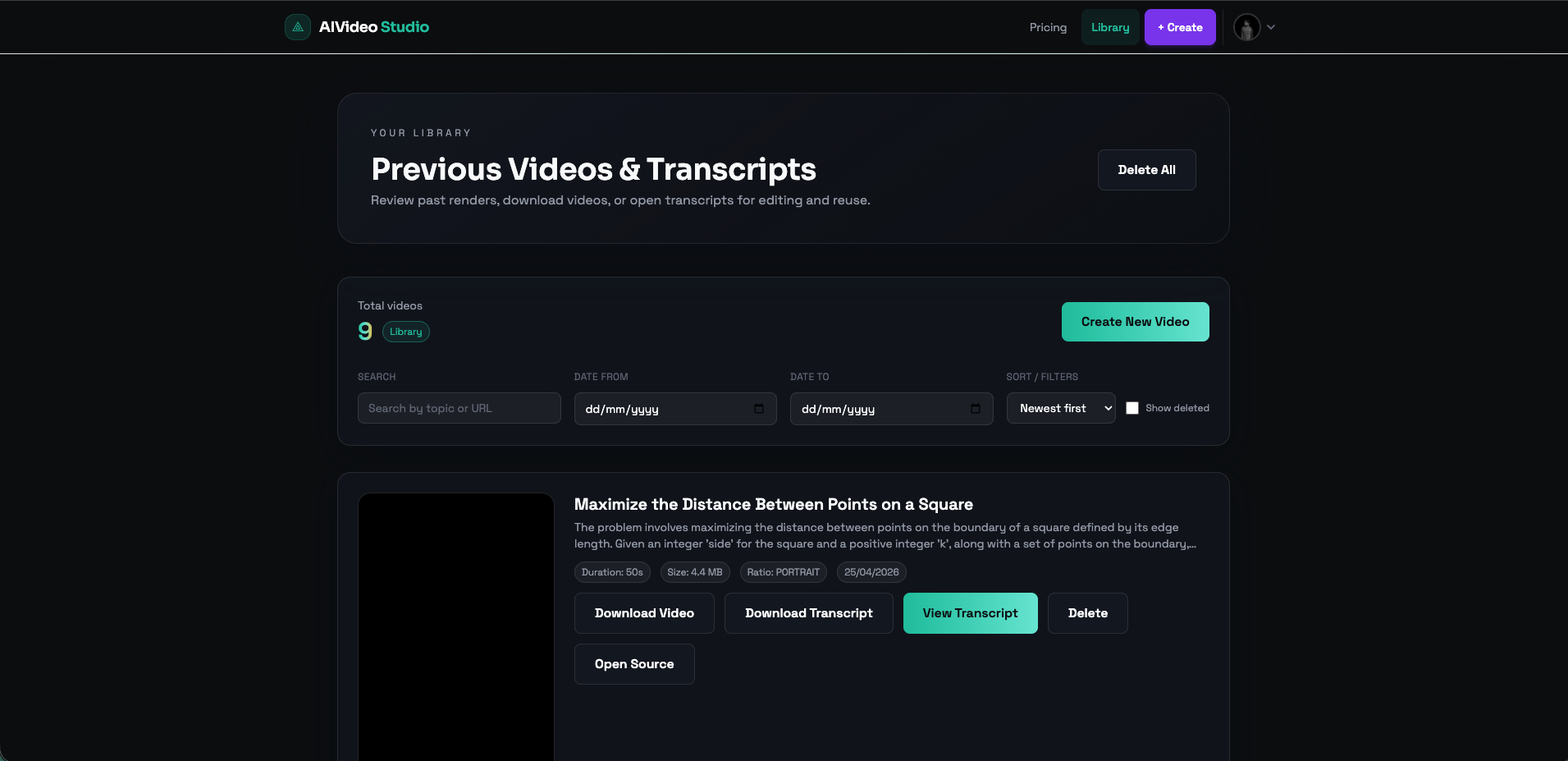
Step mode lets you review the scraped data and edit the script before rendering.
Download Video
Remotion renders the video frame-by-frame. Download it in landscape, portrait, or square.
Tech Stack